Skip to content
BrandCard.

AI PHOTO STUDIO FOR YOUR PRODUCTS

Your product.
In its best
light.

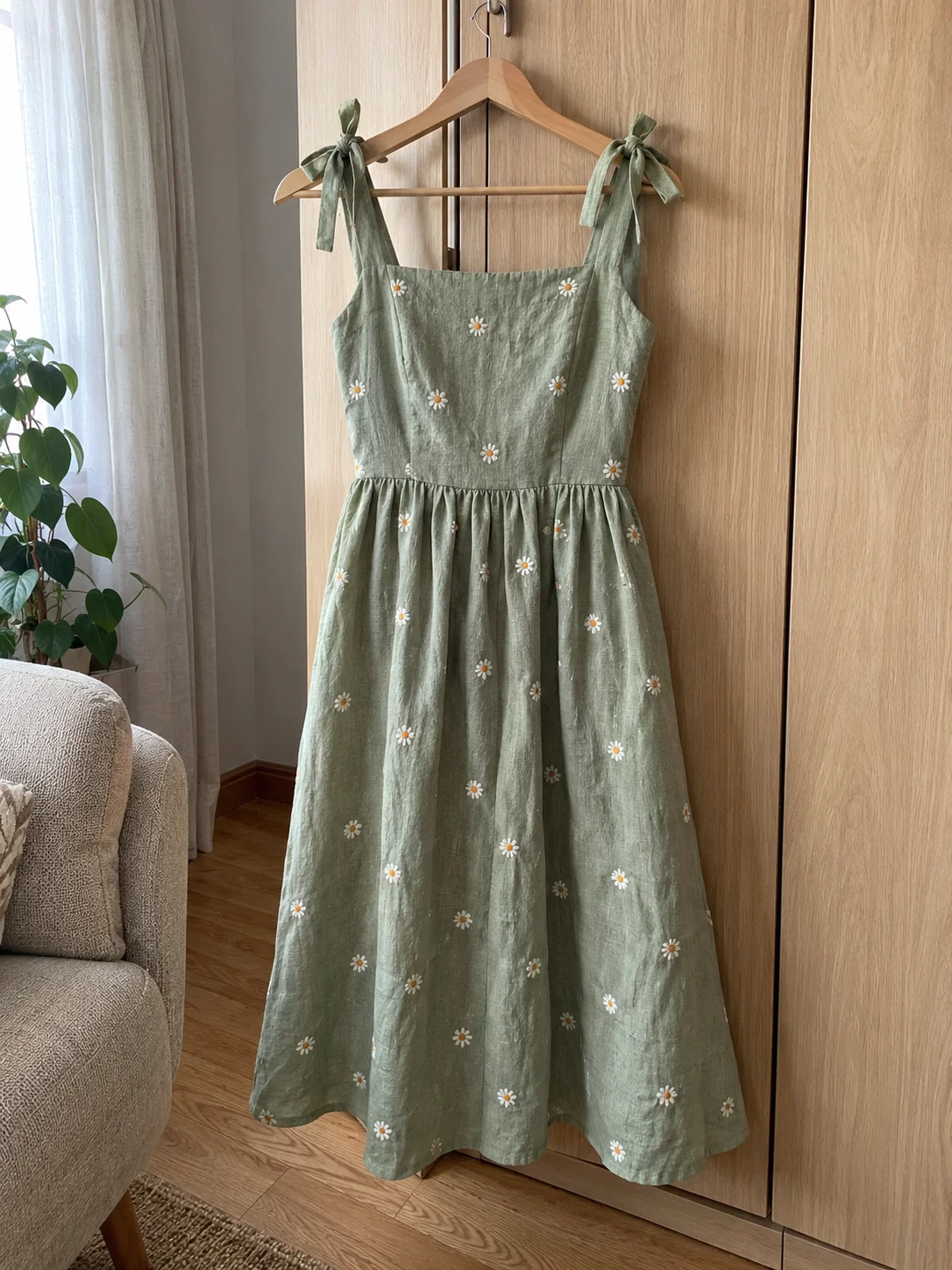
An everyday phone photo —
the start of a beautiful product card.

Create your product card

Try the editor. No sign-up needed.

A NEW SCENE. THE SAME PRODUCT. 01 / 03
01Your photo
Your photo

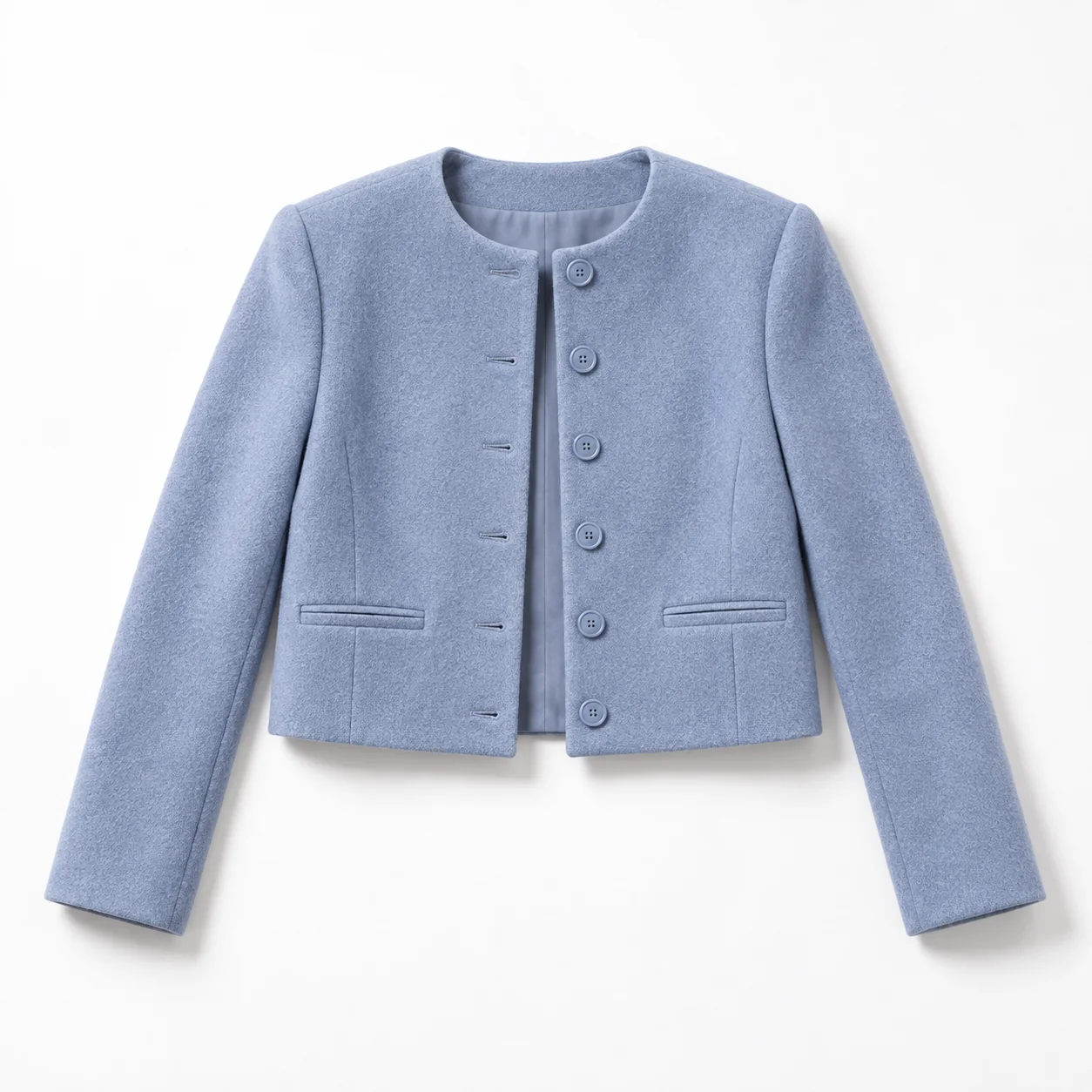
Just a photo
from your phone

02Your new product card
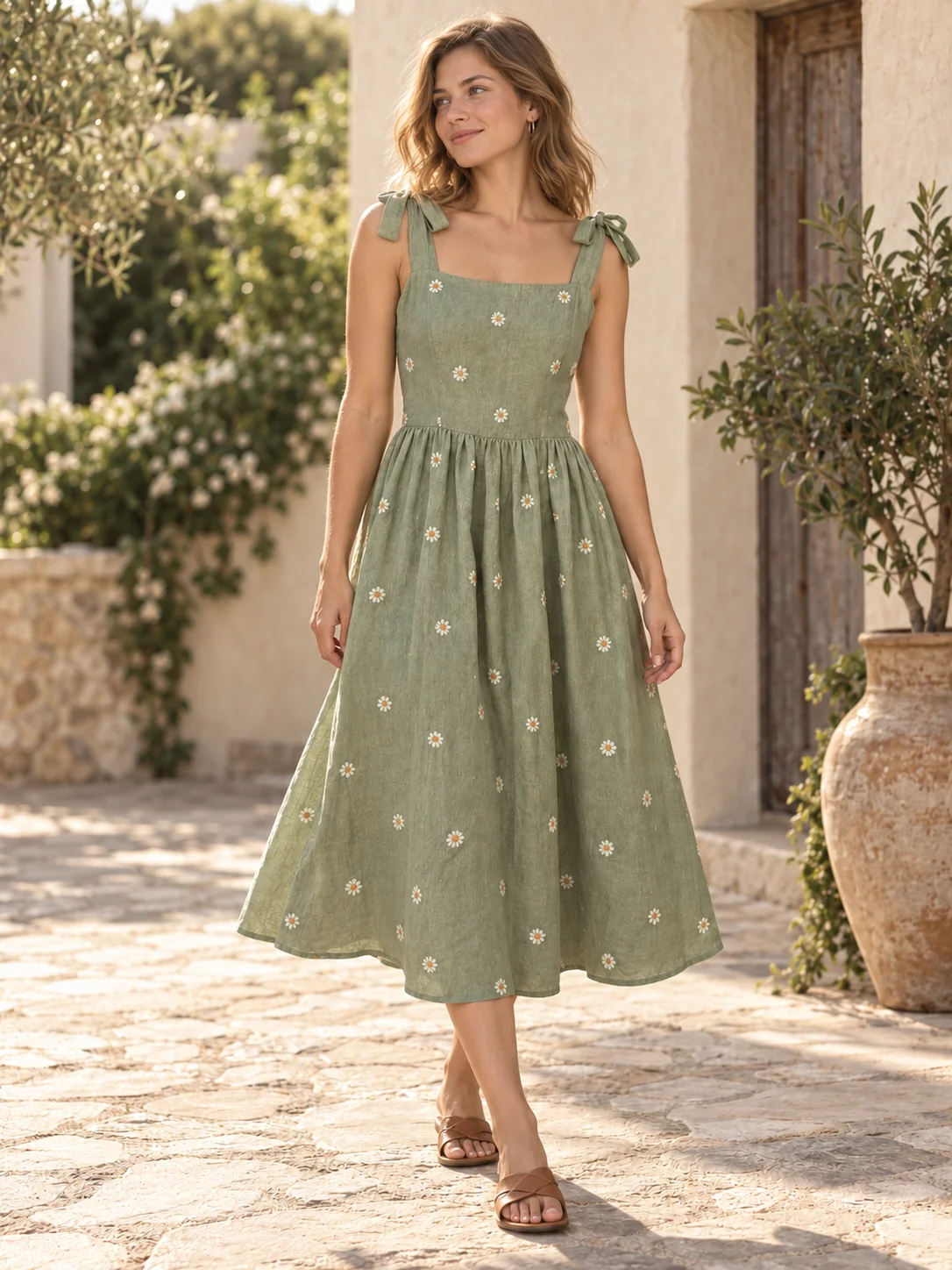
Daisy print dress: a product photography example
THE SUMMER EDIT / 2026 Summer
in bloom.
Lightness
in every move
01—06
NEW COLLECTION
Try a scene

One photograph.
So many possibilities.

Product photography Model photography Product cards with text

LESS ROUTINE. MORE CREATIVITY.

From a snapshot
to a product card.

Your product is ready for its close-up. The rest takes just a few steps.

01

Start with a photo

Photograph your product in good light. Or experiment with our sample.

02

Find your angle

Catalog, lifestyle or flat lay. One product, different moods.

03

Say what matters

Add a title, details and an accent. Download your finished card as PNG.

ONE PRODUCT. A WHOLE STORY.

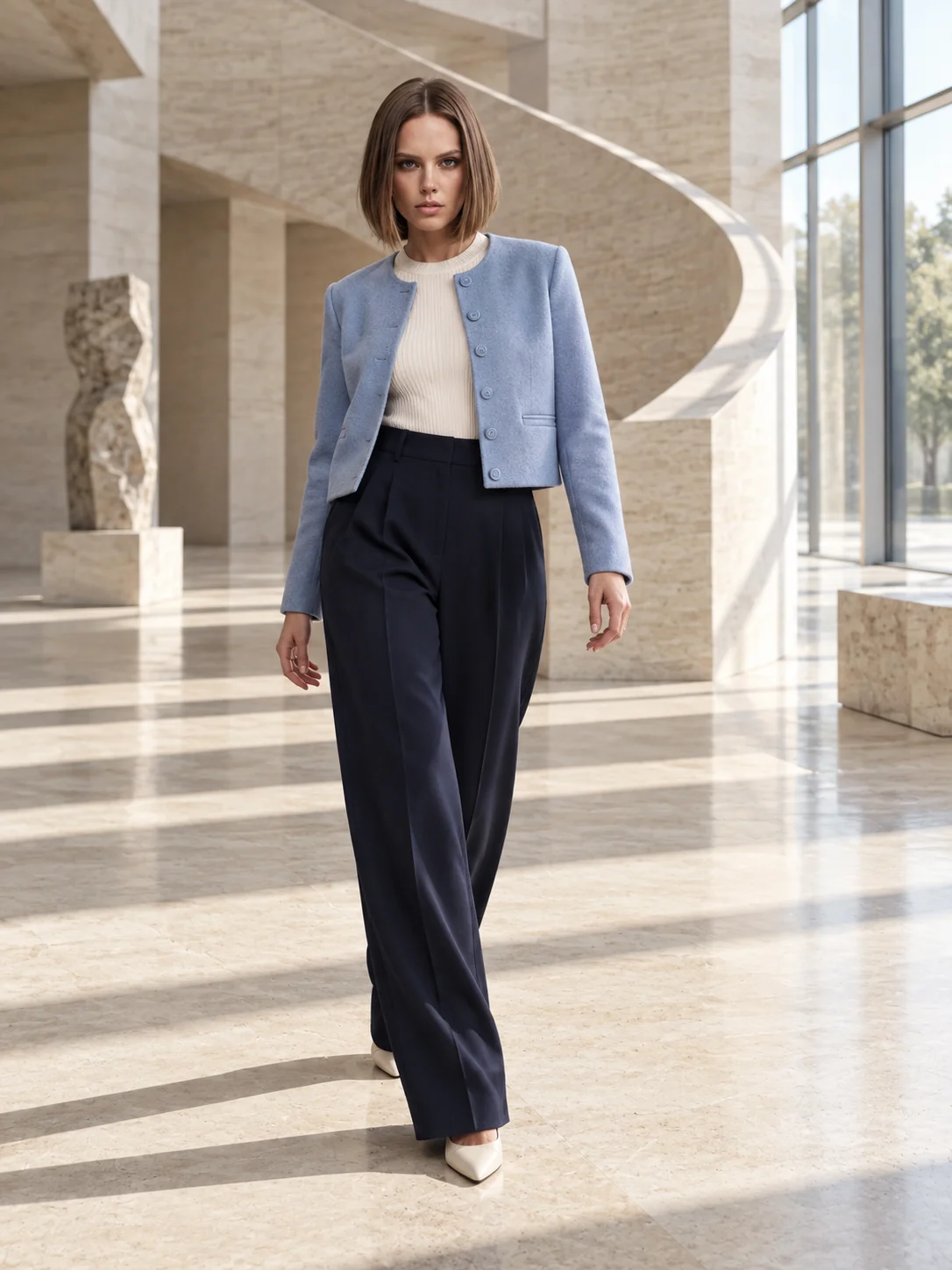
Change the scene.
Keep the character.

The demo uses prepared scenes from the design reference Example source

LOOK DETAILS

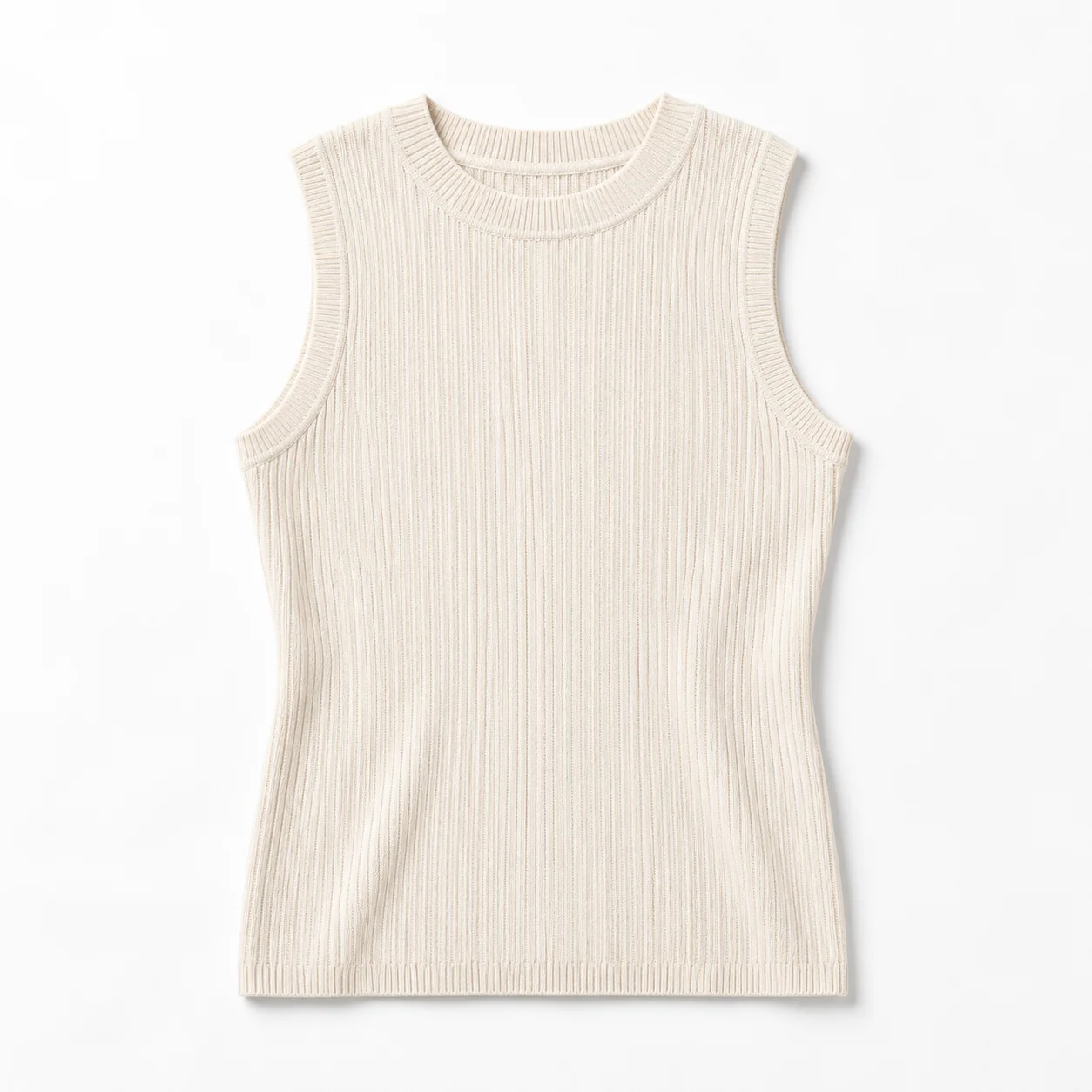
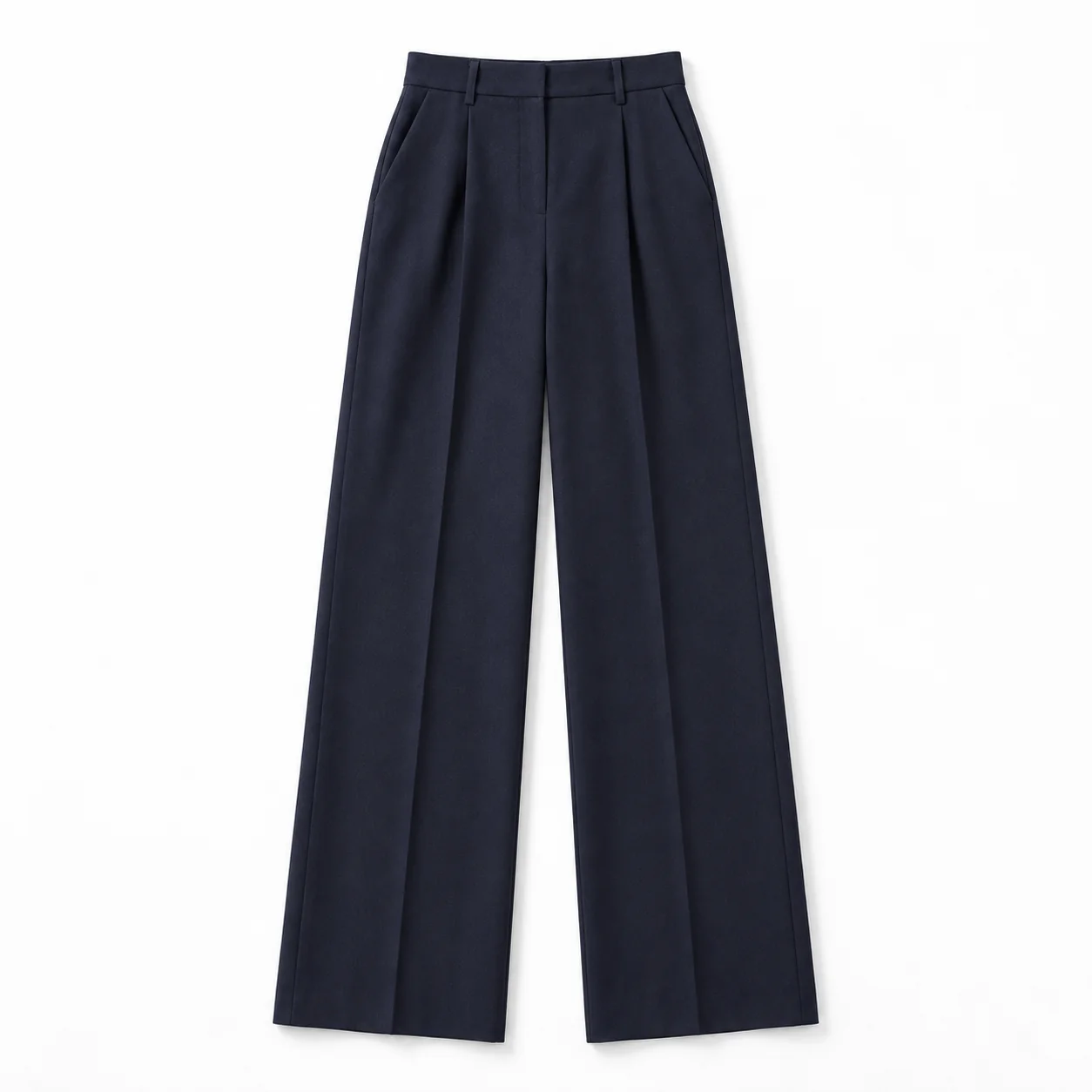
LOOK DETAILS 1 LOOK DETAILS 2 LOOK DETAILS 3
TOGETHER, A NEW STORY TOGETHER, A NEW STORY

MORE POSSIBILITIES FOR YOUR PRODUCT

More than products.
A whole story.

Set the mood, light and surroundings. Keep the best photo, design your card and continue experimenting in the same task.

New task

CHOOSE YOUR SCALE

From your first idea
to a full collection.

BrandCard.ai star packages for your products and new collections.

1 star = 1 generation

Starter

390 ₽

12 stars

  • For images and videos
  • One-time top-up, no subscription

Creator

990 ₽

35 stars

  • For images and videos
  • One-time top-up, no subscription
FOR COLLECTIONS

Studio

2 490 ₽

100 stars

  • For images and videos
  • One-time top-up, no subscription

Business

6 490 ₽

300 stars

  • For images and videos
  • One-time top-up, no subscription

Use stars to generate images and videos in BrandCard.ai.

HAVE QUESTIONS?

It all starts
with something simple.

What can I try without an account?

Try sample scenes, your own photo, three designs, a title, subtitle and color. Export your layout as PNG straight from the editor.

How do I create a new scene with AI?

Switch to New task, upload your photo and choose a scene. Once the product is analyzed, sign in and start generating. Your result appears in the task.

Which photos can I upload?

JPG, PNG or WebP up to 12 MB. Choose a sharp photograph showing the entire product.

What happens to my photo?

In demo mode, the photo stays in your browser. In task mode, it is uploaded for analysis and AI generation. After sign-in, results are saved in your tasks.

A GREAT PRODUCT DESERVES A GREAT PHOTO

Now it is
your product’s turn.

PRODUCT CARD EDITOR / Demo

Source photo

Source photo

This photo will be the source for your next generation. Select any finished version in the history to keep working with it.

Task history

Delete this version?

This version will be removed from history and cannot be restored. Other results and the original photo stay in your task.

BrandCard.

Sign in with email or a linked provider. Your editor settings will be saved.

Already created cards or bought stars? Enter your account email.

or with a linked provider

Top up your balance

Choose a star package and a payment method.

Enter your email and we will create an account when you proceed to payment. If you already have an account, confirm access with the code sent to your email.